Learn Dutch Fast
Support & frequently asked questions

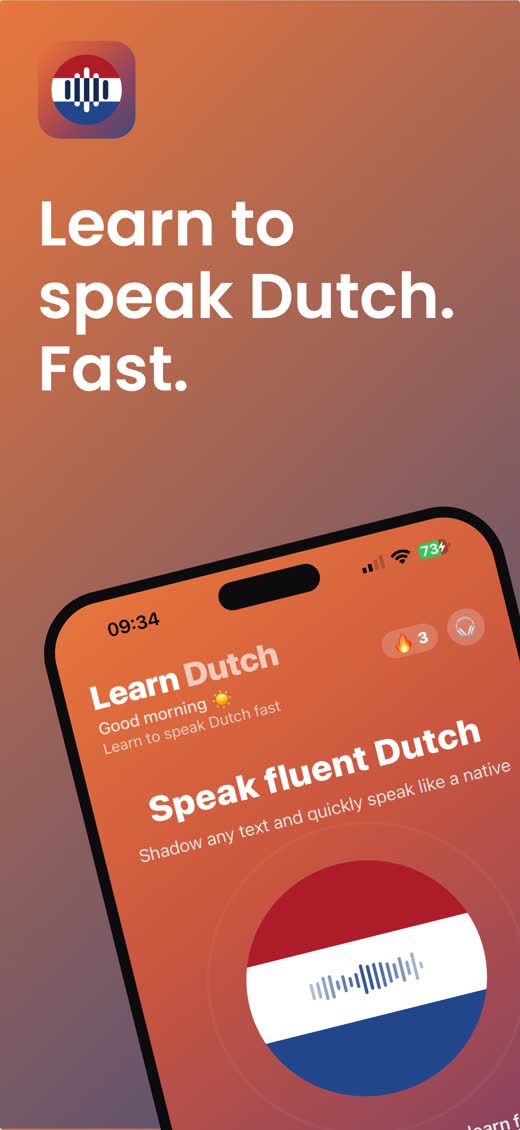
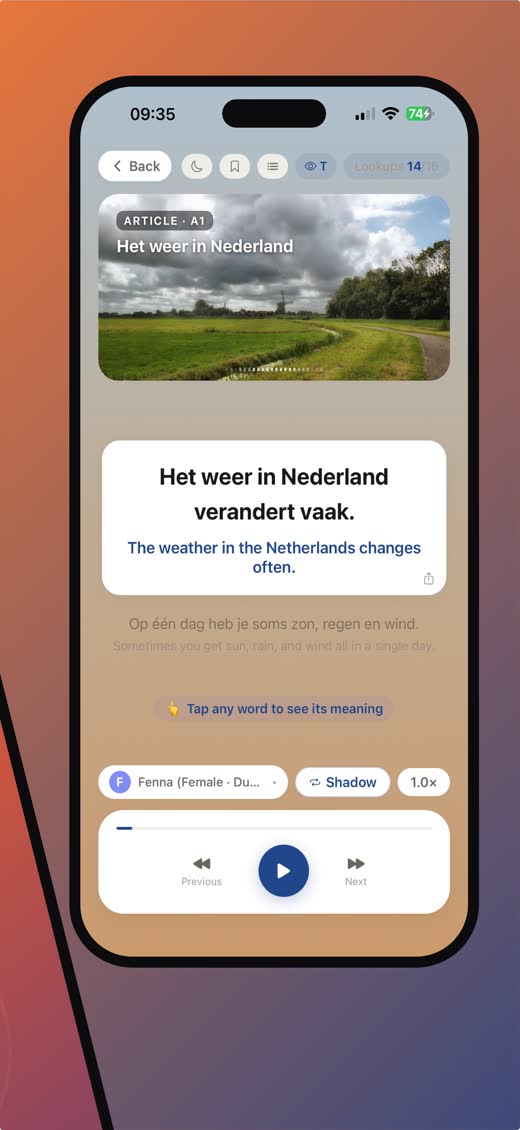
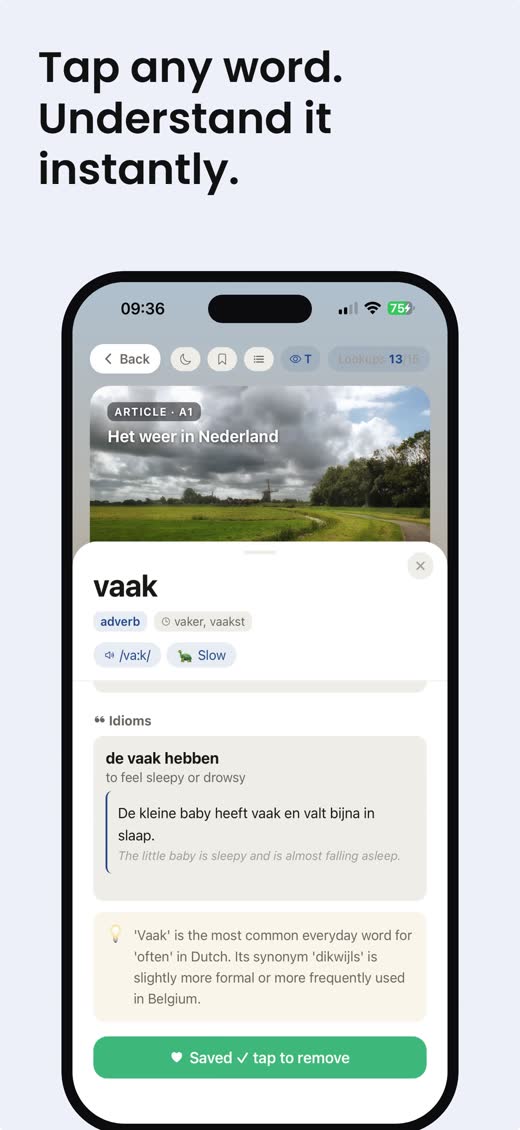
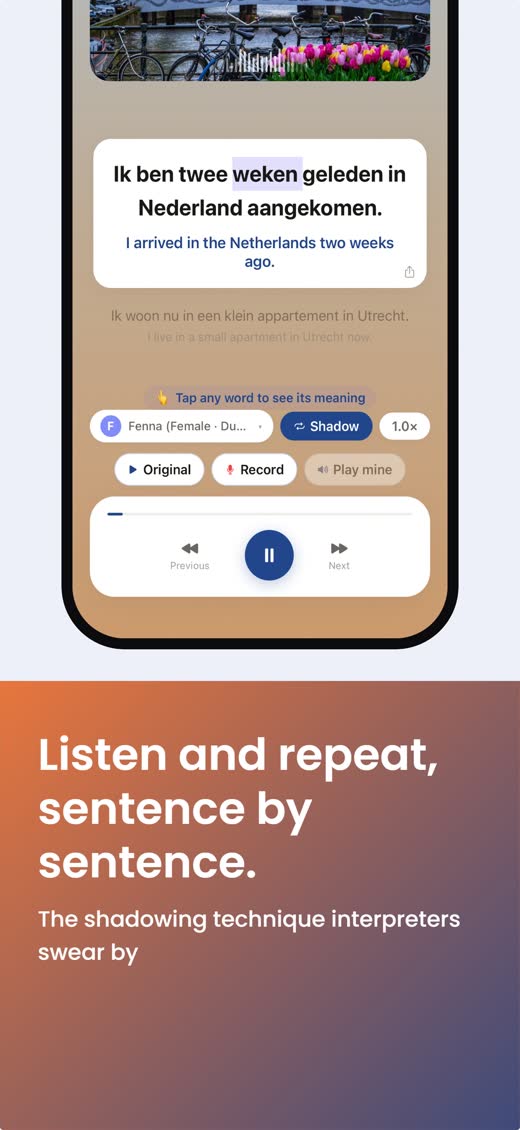
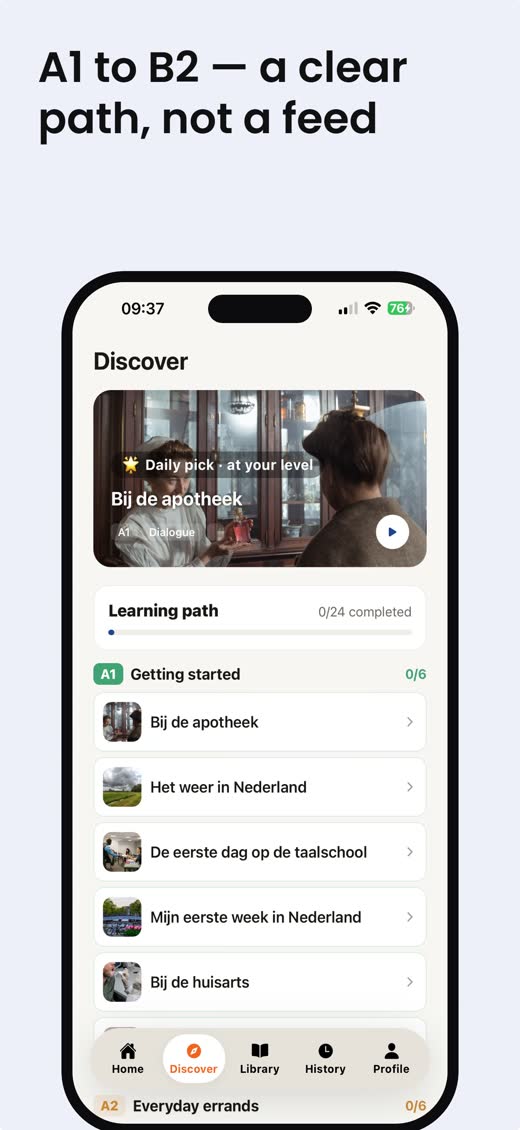
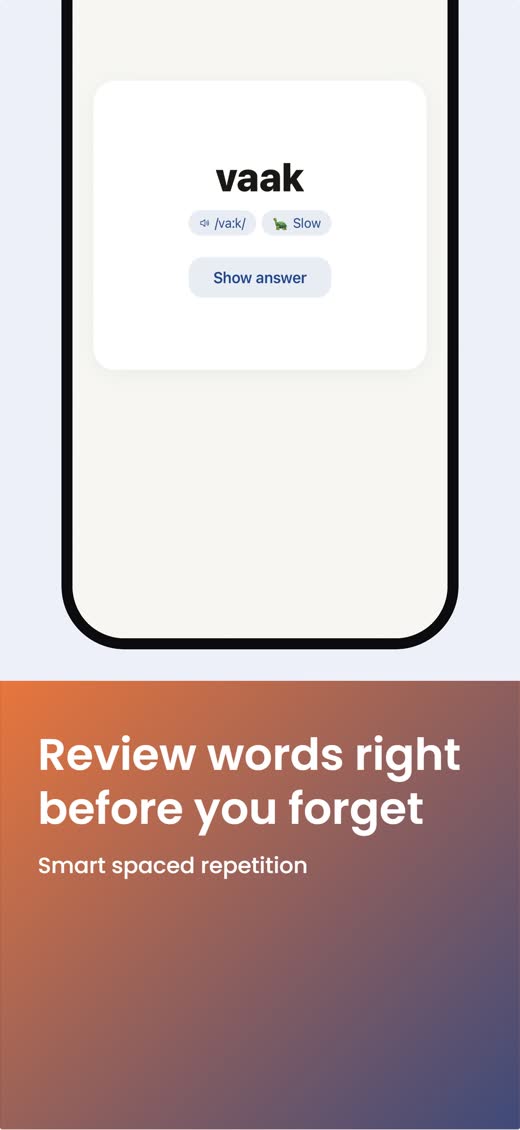
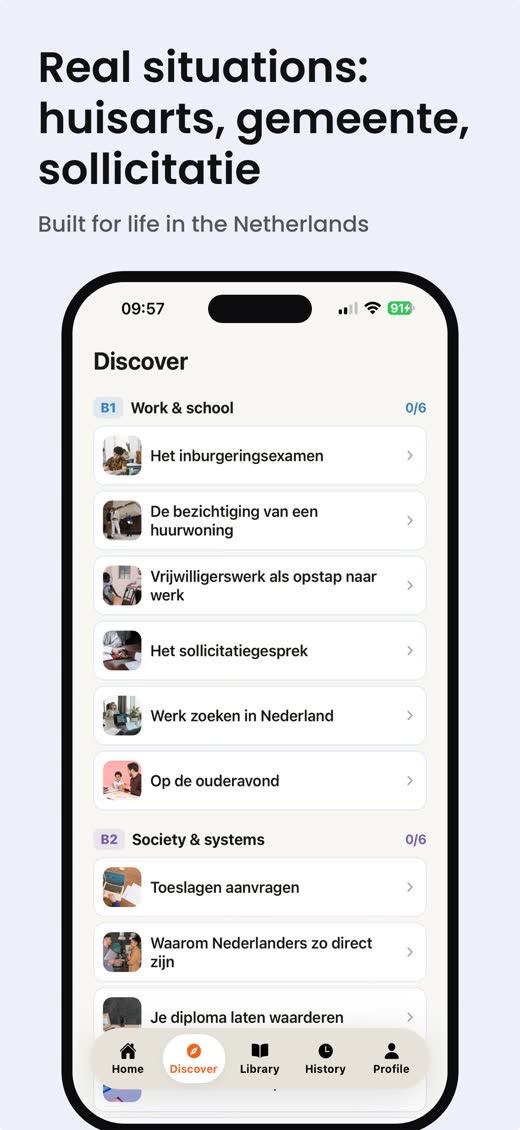
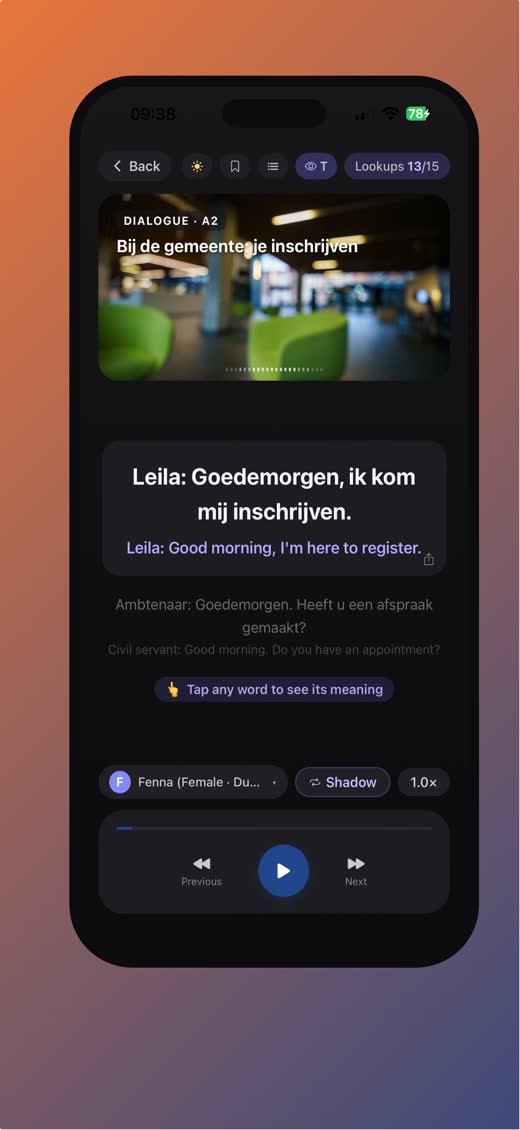
What the app looks like
Contact us
Questions, feedback or a bug to report? Use our contact form. We read every message and usually reply within a couple of days.
What does Learn Dutch do?
It helps you learn to speak Dutch using the shadowing technique: you hear a sentence in a natural Dutch voice, then say it back out loud, one sentence at a time. The content follows the situations you actually meet in the Netherlands — the doctor (huisarts), the town hall (gemeente), a job interview (sollicitatie), a rental viewing, letters from the tax office — organised as a path from A1 to B2.
I hear no sound
Check that your phone is not on silent, and turn up the media volume (not the ringer). Audio also needs an internet connection the first time a sentence is played — after that it is cached on your device.
Do I need an account?
No. The app works fully as a guest and your data stays on your device. Creating an account (email only) syncs your saved words, history and progress across devices, so nothing is lost when you change phone.
What is free, and what is Pro?
Everything is free to try. The free plan has daily limits: a short text import every day, 5 word explanations per day, and up to 20 saved words. Pro removes those limits — more imports per day and much longer texts, unlimited word explanations and unlimited saved words.
Pro is €4.99 per month or €39.99 per year (prices may vary by region). Payment is handled by the App Store or Google Play; nothing is charged inside the app itself.
How do I cancel my subscription?
Subscriptions are managed by the store you bought them in, not by us.
iPhone: Settings → your name → Subscriptions → Learn Dutch → Cancel Subscription.
Android: Play Store → your profile picture → Payments & subscriptions → Subscriptions → Learn Dutch → Cancel.
Cancelling stops the next renewal; you keep Pro until the end of the period you already paid for.
I paid but Pro is not active
Open the app, go to Profile → Restore purchases. This re-checks your App Store or Google Play account and re-activates Pro. If it still does not work, contact us with the email address you use for that store and we will look into it.
How do I delete my account and data?
In the app: Profile → Delete account. This permanently erases your learning progress, saved words and articles. It cannot be undone, and it does not automatically refund an active subscription — cancel that separately in your App Store settings.
Which languages does the app explain words in?
Word explanations and translations are available in more than 20 languages, including English, Arabic, Turkish, Ukrainian, Russian, Chinese, Indonesian, Polish and Spanish. You can change this at any time under Profile → Translation language.
Privacy
We collect as little as possible: an email address only if you choose to create an account, and your learning data so it can sync. We never sell data. Full details in our Privacy Policy, and the rules of use in our Terms & Conditions.